
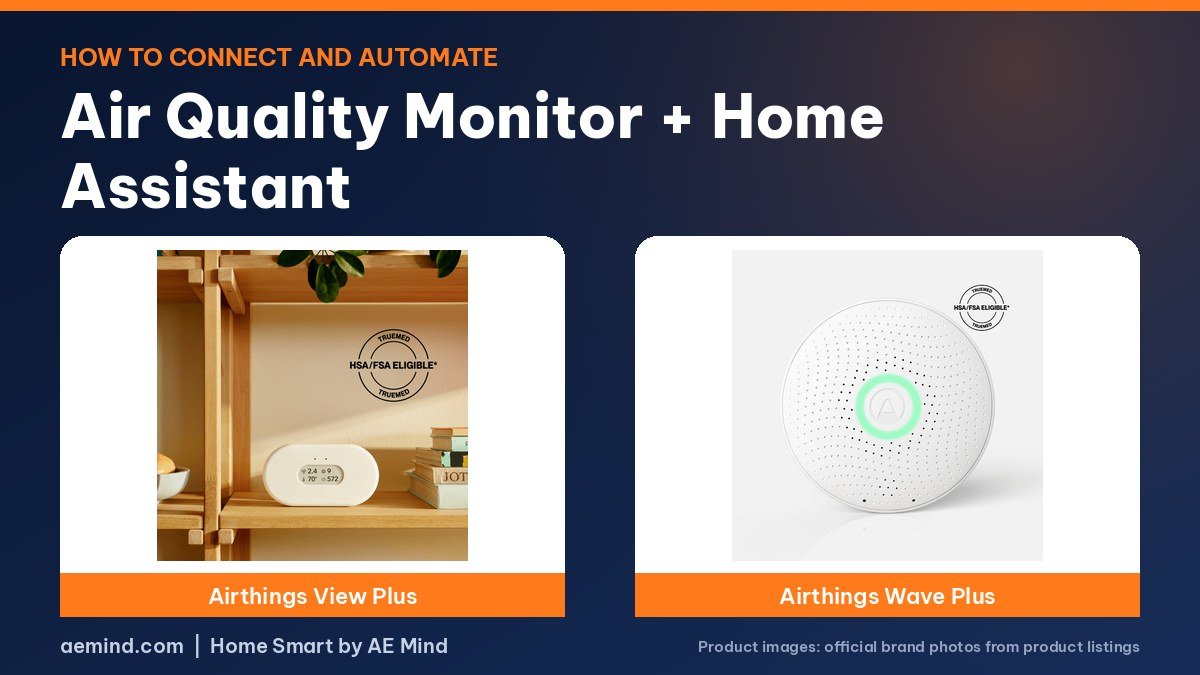
Connecting an air quality monitor to Home Assistant lets you graph CO2, particles and humidity and trigger fans or alerts automatically, and Simon Says Home Assistant, a YouTube channel dedicated to Home Assistant tutorials, showed a Matter sensor joining Home Assistant in about 30 seconds.
How you connect depends on the monitor: Matter over Thread, Bluetooth, a cloud integration or MQTT. This guide covers each route, with monitor prices checked October 21, 2026.
Connecting an air quality monitor to Home Assistant: your options
Prices checked on Amazon Oct 21, 2026. I may earn a commission from links, at no cost to you.
| Monitor | Price (Oct 21, 2026) | Why it fits | Link |
|---|---|---|---|
| Airthings View Plus | $329.99 | Airthings integration; radon and particles | Check price |
| Aranet4 Home | $189 | Bluetooth integration; CO2 focus | Check price |
| Qingping Air Monitor 2 | $149.99 | MQTT and a Qingping integration | Check price |
| Airthings Wave Plus | $249.99 | Bluetooth integration; radon and CO2 | Check price |
Step 1: Pick an air quality monitor Home Assistant can read
Check how the monitor talks to Home Assistant before you buy. There are four common routes, and each needs different hardware.
- Matter over Thread: needs a Thread border router. IKEA’s ALPSTUGA works this way.
- Bluetooth: Home Assistant needs a Bluetooth adapter or proxy within range. Aranet and Airthings Wave monitors use Bluetooth.
- Cloud or Wi-Fi integration: the Airthings integration covers Wi-Fi models such as the View Plus.
- MQTT: the Qingping Air Monitor 2 can report over MQTT, and Qingping maintains a Home Assistant integration.
Step 2: Add a Matter monitor
Simon walked through this with IKEA’s roughly $30 ALPSTUGA, a budget sensor shown here for context. Power it with your own USB-C supply, since none comes in the box, and let it warm up. In Home Assistant, go to Settings, Devices and services, Add integration, choose Matter, then scan the QR code on the monitor. It joined in about 30 seconds for him, and Home Assistant set its clock. The device also acts as a Thread router, strengthening the mesh, he notes. He used a Home Assistant Connect ZBT-2 as his Thread radio.
Expect CO2 readings to wander at first. Simon says the sensor needs 12 to 24 hours to settle and benefits from some time in fresh air. Next to his AirGradient monitor, CO2 matched at 521 ppm, temperature was within 0.3 degrees and humidity within a few points. One quirk: it loses the time when unplugged.
Step 3: Add a Bluetooth or Wi-Fi monitor
For the Aranet4 Home, keep it within range of a Bluetooth adapter or proxy, and Home Assistant should discover it. Aranet’s help pages list Home Assistant among its integration options. Aranet’s battery estimates depend on update interval, so a one-minute interval drains faster than ten minutes. For the Airthings View Plus, add the Airthings integration and sign in; the View Plus can also serve as a hub for Wave monitors such as the Airthings Wave Plus.
Step 4: Add an MQTT monitor
The Qingping Air Monitor 2 supports private MQTT, reporting PM2.5, PM10, CO2, a VOC index and noise, according to Qingping’s developer docs. Qingping’s Home Assistant integration on GitHub exposes those sensors plus battery and diagnostics. Install the Mosquitto add-on in Home Assistant first so there is an MQTT server for the monitor to report to, then enter its address in the monitor’s MQTT settings.
Step 5: Build automations
Smart Home Solver, the YouTube channel run by Reed Kleinman, who has about 737,000 subscribers and covers practical home automation, said the ALPSTUGA lets him run automations when CO2 gets too high. Ideas to start with:
- Turn on a fan or open a smart vent when CO2 stays high for 10 minutes.
- Switch an air purifier to high when PM2.5 spikes, such as during cooking.
- Send a phone alert when radon readings rise, if you use an Airthings monitor.
- Show air quality on a dashboard; Simon notes the ALPSTUGA exposes a switch to turn its display off at night.
Step 6: Name and group the sensors
Rename each entity with its room, such as “Bedroom CO2,” so automations and dashboards stay readable as you add monitors. Put each monitor in a Home Assistant area; that lets you build room-based cards and makes voice requests such as asking for the bedroom CO2 level easier to set up later.
Step 7: Check accuracy over time
Compare against a second monitor if you can, as Simon did. LeafScore found the Airthings View Plus needed about three days for first readings and about a month for steadier radon numbers, so wait before trusting trends. Keep monitors away from windows, vents and kitchens unless you want to watch those spots specifically.
Which monitor to pick for Home Assistant
- Thread and Matter users: a Matter sensor is the quickest to add.
- CO2 focus: the Aranet4 over Bluetooth.
- Radon: Airthings View Plus or Wave Plus.
- Most data in one device: the Qingping Air Monitor 2 over MQTT.

Video: Simon Says Home Assistant: “How does the IKEA Alpstuga Air Quality Sensor Stack up to more expensive options?”. Embedded with credit; the findings are the creator’s own.
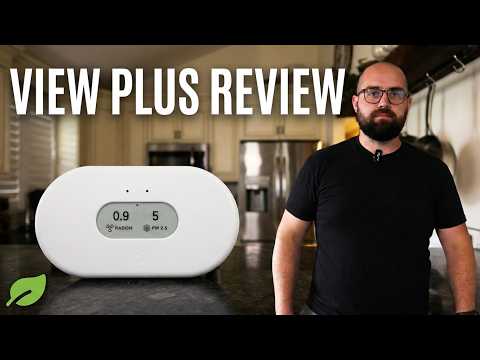
Video: LeafScore: “Airthings View Plus Review: Our Top Overall Pick for an Indoor Air Quality Monitor”. Embedded with credit; the findings are the creator’s own.
Frequently Asked Questions
How do I add an air quality monitor to Home Assistant?
Use the integration that matches its connection: Matter, Bluetooth, the maker’s cloud integration or MQTT. Simon Says Home Assistant added a Matter monitor by scanning its QR code.
Do I need a Thread border router for a Matter air quality monitor?
Yes, for Matter over Thread devices. Simon Says Home Assistant used a Home Assistant Connect ZBT-2.
Which air quality monitor works best with Home Assistant?
It depends on your setup. Qingping offers MQTT, Aranet and Airthings Wave use Bluetooth, and IKEA uses Matter.
How long should a new CO2 sensor settle?
Simon Says Home Assistant says 12 to 24 hours for the ALPSTUGA, ideally with time in fresh air.
Sources
- Amazon product listings for the products linked above, checked October 21, 2026
- Qingping Air Monitor 2 specifications and MQTT documentation, qingping.co
- Aranet Help: Integration options, help.aranet.com
- Airthings product pages, airthings.com
- Simon Says Home Assistant: “How does the IKEA Alpstuga Air Quality Sensor Stack up to more expensive options?”
- Smart Home Solver: “15 Cool Smart Home Devices You’ll Actually Want in 2026!”
- LeafScore: “Airthings View Plus Review: Our Top Overall Pick for an Indoor Air Quality Monitor”
Related: Best Air Quality Monitor | Airthings View Plus Review | Best E-Ink Smart Home Dashboard
Notes and disclosure
Note: Prices come from Amazon listings (or the maker’s own store where a product is not sold on Amazon) checked on October 21, 2026. Prices change often, so check the current listing. Sensor lists, accuracy and battery figures are the manufacturers’ listed specs unless a reviewer is credited. The IKEA ALPSTUGA is not sold on Amazon and is mentioned for context only. Smart Home Solver’s ALPSTUGA segment appears in a roundup in which Roborock sponsored a separate portion. LeafScore and Simon Says Home Assistant do not say in their videos whether their units were bought or supplied. Air quality monitors are informational devices, not medical equipment; follow official guidance for radon testing and remediation. Test results and tips quoted above come from the YouTube creators credited in each section; they are their findings, not hands-on claims from me.
Affiliate Disclosure: If you purchase an item through the links on this page, I may receive a commission, at no additional cost to you. Thank you for supporting the channel.