
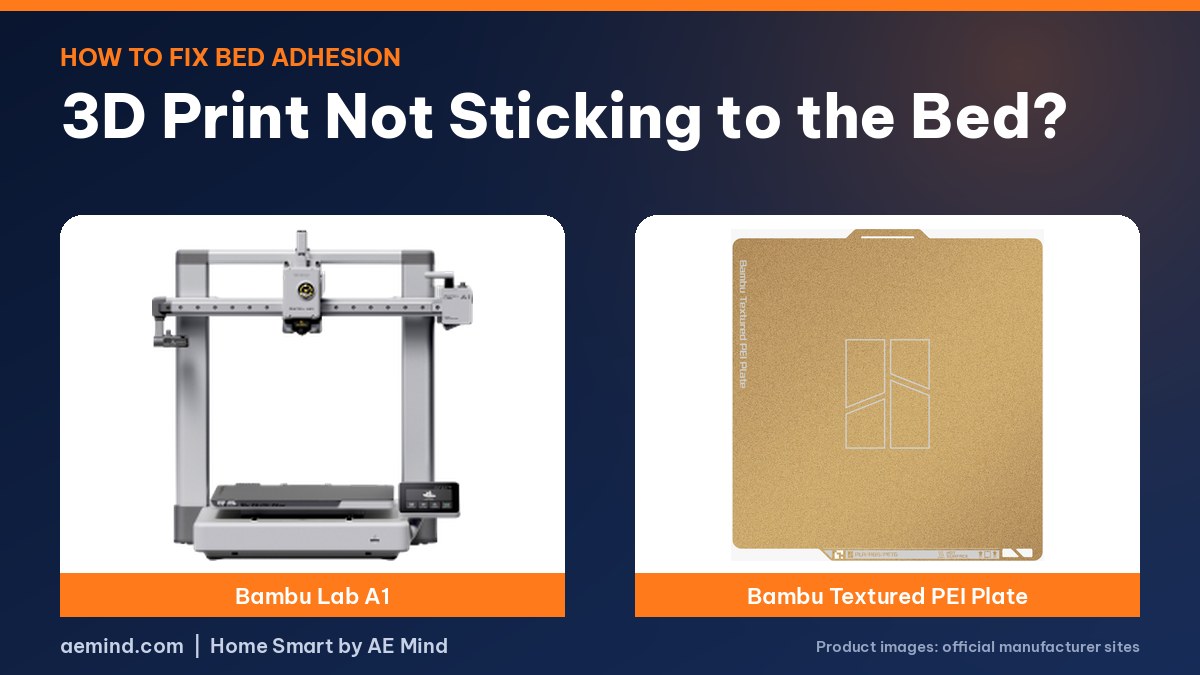
If your 3D print is not sticking to the bed on an auto-leveling printer like the Bambu Lab A1, the fix is usually washing the build plate with dish soap, not re-leveling. Fingerprint oils are enough to ruin a first layer, and an alcohol wipe alone can just spread them around, according to LayerLab, a YouTube channel that covers Bambu Lab printers (LayerLab, “Your Prints Won’t Stick? Here’s the Fix for Bambu Lab Printers!”).
If a clean plate doesn’t solve it, the next fixes are a slower, hotter first layer, a smaller Z-offset and a brim, according to The 3D Printer Bee, a 3D printing tutorial channel (The 3D Printer Bee, “3D Print Not Sticking? 9 Ways to Get Perfect Bed Adhesion”). Below are the causes in the order to check them, plate-by-plate settings and when glue helps or hurts.
3D Print Not Sticking to the Bed: Fixes in Order
Prices from Amazon at time of writing. I may earn a commission from links, at no cost to you.
| Step | Fix | Why it works | Source |
|---|---|---|---|
| 1 | Wash the plate with dish soap and hot water | Removes finger oils IPA spreads around | LayerLab; Bambu Lab |
| 2 | Check for unsupported overhangs | Small parts with hidden overhangs can fail early | LayerLab |
| 3 | Slow the first layer to about 50% speed | Hot plastic has time to flow into the surface | The 3D Printer Bee |
| 4 | Raise nozzle temperature in 5°C steps | Hotter plastic bonds better, until elephant foot | The 3D Printer Bee |
| 5 | Reduce Z-offset slightly | More squish presses the line into the plate | The 3D Printer Bee |
| 6 | Add a 3–5 mm brim | More contact for tall, narrow or sharp-cornered parts | MakerBuildIt |
| 7 | Match bed temperature to the plate | Textured PEI needs heat; cool plates less | MakerBuildIt |
Why Your 3D Prints Won’t Stick to the Bed
On many printers the usual causes are an uneven bed or a bad Z-offset, but Bambu printers calibrate themselves, so LayerLab narrows it to two causes: missing supports or a contaminated plate (LayerLab, “Your Prints Won’t Stick? Here’s the Fix for Bambu Lab Printers!”).
In LayerLab’s test, pressing a thumb on a clean plate left invisible oil that showed up as failed spots on the next print. Wiping with plenty of isopropyl alcohol (IPA) made the fingerprints disappear but spread the oil across the middle of the plate, which then had poor adhesion too.
MakerBuildIt, a YouTube channel focused on Bambu printers, said the same thing about prints that suddenly stop sticking: “If your print worked last week and all of a sudden it’s not adhering, you touched your build plate.” Failures cluster near corners because that’s where people grab flexible plates (MakerBuildIt, “Why Your 3D Prints Won’t Stick (Bed Adhesion Fixes That Actually Work)”).
How to Wash a Build Plate for Better Adhesion
- Use a freshly washed microfiber cloth, not one used on the outside of the printer, which can carry dust.
- Wear gloves so you don’t add new fingerprints.
- Apply dish soap to both sides of the plate, foam it up, rinse with hot water and wipe the soap off.
- Dry with a second clean microfiber cloth, or let it air dry, as MakerBuildIt does.
- From then on, handle the plate by its edges or tabs.
Steps from LayerLab (LayerLab, “Your Prints Won’t Stick? Here’s the Fix for Bambu Lab Printers!”). Avoid hand soap: LayerLab found its moisturizers “severely reduce adhesion.” Bambu Lab’s own support video also recommends washing the plate to fix adhesion failures (Bambu Lab, “Fix print failures related to adhesion by washing the build plate”).
Slicer Settings That Fix Bed Adhesion
Once the plate is clean, The 3D Printer Bee recommends settings that keep the first layer hot and liquid longer so it flows into the surface (The 3D Printer Bee, “3D Print Not Sticking? 9 Ways to Get Perfect Bed Adhesion”):
- First-layer speed: about 50% of normal speed, and as low as 5 mm/s if problems persist.
- First-layer cooling: off, so the plastic doesn’t cure before it bonds.
- Nozzle temperature: raise it in 5°C steps; stop before the first layer spreads into an elephant’s foot.
- Z-offset: slightly smaller presses the line harder into the plate; too small also causes elephant’s foot.
- Line width and layer height: a wider or taller first line holds heat longer. The channel gives ranges of 60% to 200% of nozzle diameter for line width and 25% to 75% for layer height.
- Mouse ears or a raft: small one-layer discs at corners, or a full raft, as a last resort since they can leave marks.
Bed Adhesion by Plate Type
| Plate | How it grips | Bed temperature tip | Glue? |
|---|---|---|---|
| Textured PEI | Mechanical: plastic locks into the texture | 50–60°C is a good start for PLA and PETG | No; glue fills the texture |
| Smooth PEI | Surface contact | Keep it very clean | Only as a release agent |
| Cool or cold plate | Surface chemistry | Low or no heat, per the plate | Release aid for PETG, TPU or large parts |
MakerBuildIt explained that textured PEI relies on molten plastic flowing into microscopic texture, so adding glue “just in case” makes adhesion worse. On cool and cold plates, failures come almost entirely from a dirty surface or the wrong bed temperature, and glue there is often used to help release PETG, TPU or very large prints (MakerBuildIt, “Why Your 3D Prints Won’t Stick (Bed Adhesion Fixes That Actually Work)”).
If the First Layer Gets Worse Over Time on a Bambu A1
Hoocho, a YouTube reviewer who has run the A1 and P1S for thousands of hours, found first layers on the A1 can deteriorate over time because screws behind the extruder unit need tightening, a known issue he links a fix for (Hoocho, “A1 vs P1S: Beginner 3D Printers… That Work.”).
Printers That Make Adhesion Easier
| Printer | Price (Amazon, Oct 16, 2026) | Why it helps | Link |
|---|---|---|---|
| Bambu Lab A1 | $299.99 | Automatic bed leveling and Z-offset | Check price |
| Bambu Lab A1 mini | $249.00 (LED lamp kit bundle) | Same auto calibration, smaller bed | Check price |
Video: LayerLab, “Your Prints Won’t Stick? Here’s the Fix for Bambu Lab Printers!”. Embedded with credit; the findings are the creator’s own.
Video: The 3D Printer Bee, “3D Print Not Sticking? 9 Ways to Get Perfect Bed Adhesion”.
3D Print Not Sticking to the Bed: Frequently Asked Questions
Why do my 3D prints suddenly stop sticking to the bed?
Most often a contaminated plate, usually from fingerprints. Wash it with dish soap and hot water, then dry with a clean cloth.
Is IPA enough to clean a 3D printer bed?
Not always. LayerLab showed an IPA wipe spread finger oils around; a dish-soap wash removed them.
Should I use glue stick on a textured PEI plate?
No, according to MakerBuildIt. Glue fills the texture the plate relies on for grip.
What first-layer speed fixes bed adhesion?
About 50% of normal speed, and as low as 5 mm/s if needed, per The 3D Printer Bee.
Can I use hand soap on my build plate?
Best avoided. LayerLab found the moisturizers in hand soap reduce adhesion.
Sources
- LayerLab, “Your Prints Won’t Stick? Here’s the Fix for Bambu Lab Printers!”
- Bambu Lab, “Fix print failures related to adhesion by washing the build plate”
- The 3D Printer Bee, “3D Print Not Sticking? 9 Ways to Get Perfect Bed Adhesion”
- MakerBuildIt, “Why Your 3D Prints Won’t Stick (Bed Adhesion Fixes That Actually Work)”
- Hoocho, “A1 vs P1S: Beginner 3D Printers… That Work.”
- Amazon product listings for the printers linked above, October 16, 2026
Related: Bambu Lab A1 Review | Best 3D Printer for Beginners | Best Budget Multicolor 3D Printer
Notes and disclosure
Note: Printer prices come from Amazon listings on October 16, 2026 and change often. Tips are summarized from the credited YouTube creators and Bambu Lab’s own video; I have not tested these fixes myself. Follow your printer maker’s official guide when in doubt.