
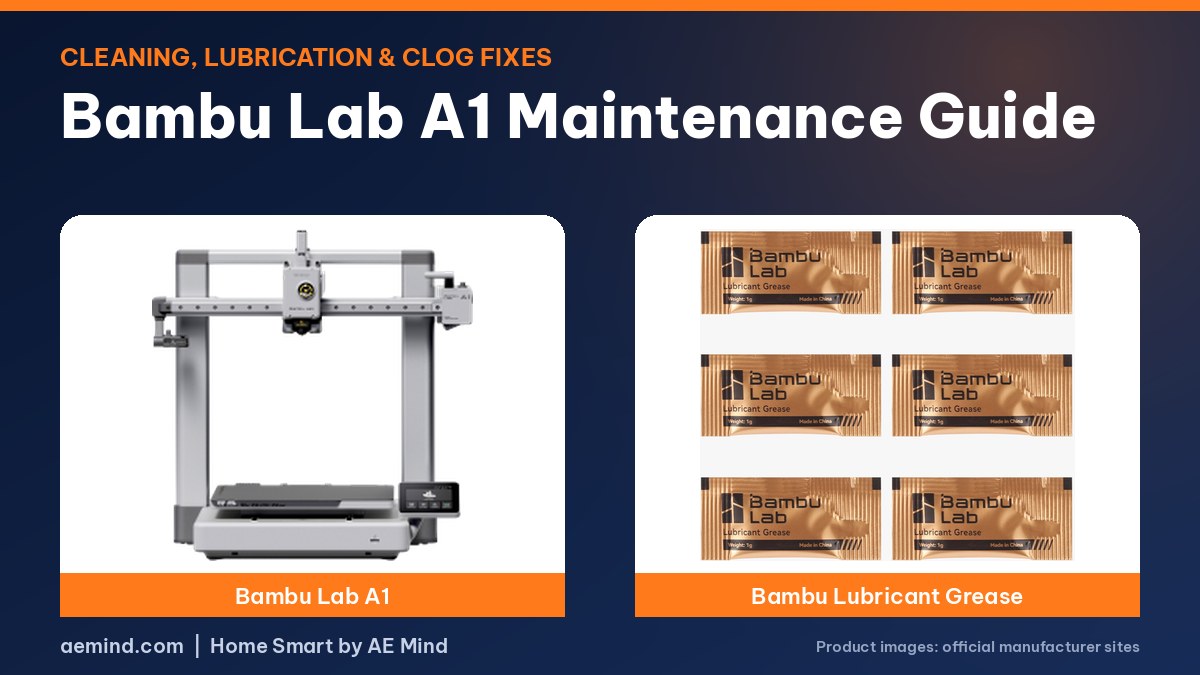
Bambu Lab A1 maintenance comes down to five jobs: blow out the tool head, wipe the hotend, clean and lubricate the X-axis arm and Y-axis guide, and re-grease the Z lead screws. With that routine, one A1 passed 5,000 hours and was “still going strong,” according to Nick of Planet 3DP, a YouTube channel that publishes Bambu Lab maintenance guides (Planet 3DP, “Bambu Lab A1 Maintenance Guide – Keep It Running Like New!”).
For newcomers, a nozzle swap is probably the only regular job, and on the A1 it can be done with one hand and no tools, according to Hoocho, a YouTube reviewer who has run the A1 and P1S for thousands of hours (Hoocho, “A1 vs P1S: Beginner 3D Printers… That Work.”). When a clog does happen, Planet 3DP finds it is usually in the AMS lite hub, the hotend or the extruder gear under the filament sensor (Planet 3DP, “Top 3 Fixes for Bambu Lab A1 Filament Clogs (Fast & Easy)”).
Bambu Lab A1 Maintenance Checklist
Prices from Amazon at time of writing. I may earn a commission from links, at no cost to you.
| Job | What to do | When |
|---|---|---|
| Tool head | Remove the front cover, blow out the extruder gear with canned air | When debris builds up |
| Filament cutter | Check it is still sharp | Replace only when worn |
| Hotend | Remove the sock and hotend; wipe the heater assembly with IPA | During a full clean |
| X-axis arm | Vacuum, canned air, wipe, thin coat of lubricant top and bottom | Full clean or when dirty |
| Y-axis guide | Remove the under-bed panel, clear debris, lubricate both rails | When the printer prompts you |
| Z lead screws | Wipe off old grease, tap on fresh grease every inch | Full clean |
| Calibration | Run full calibration after maintenance | After every full clean |
Steps summarized from Planet 3DP’s A1 guide. Follow Bambu Lab’s official wiki for exact service intervals.
How to Clean the A1 Tool Head and Hotend
- Remove the cover from the bottom. Pull the extruder cover out from the bottom, not the top, where small plastic arms hold it, Nick advised.
- Check the filament cutter. Remove the hex screw on the right of the tool head while pressing the cutter arm. Replace the blade only when it’s dull or worn.
- Blow out the extruder gear. Buildup is normal. Hold the extruder fan still with a finger while you use canned air. The gear is plastic and wears over time; he replaces it only when filament stops feeding well.
- Wipe the hotend assembly. Remove the silicone nozzle sock, swing open the retaining clip and arm, and pull the hotend down and out by its heat sink. Hit the area with canned air and wipe it with a microfiber cloth lightly dampened with isopropyl alcohol (IPA).
- Reassemble carefully. The flat side with the magnet faces the back. Replace a crusty sock, and make sure it sits level with the nozzle poking out the bottom.
How to Lubricate the A1 X-Axis, Y-Axis and Z Screws
Planet 3DP’s lubrication steps (Planet 3DP, “Bambu Lab A1 Maintenance Guide – Keep It Running Like New!”):
- X-axis arm: move the tool head fully left, vacuum (small black particles are bits of belt), finish with canned air and wipe down, then repeat on the right. Apply a thin, even line of Super Lube to the top and underside, slide the tool head back and forth, and wipe drips. “A little goes a long way.”
- X-axis pulley: remove the purge wiper and end cap to reach the pulley, or use a needle-tip precision bottle to skip that step. Add a tiny amount and keep it off the belt.
- Y-axis guide: remove the panel under the bed, pull out large filament pieces with needle-nose pliers, vacuum, blow out, wipe, then run a thin line of lubricant along both rails with the bed forward, then back.
- Z lead screws: raise the gantry (Control, then XYZ), wipe off the dark old grease until the screws look metallic, then tap fresh grease every inch or so. He uses Bambu’s included grease or white lithium grease. Run the gantry down and up to spread it.
He finishes every session with a full calibration to catch any issues before the next print.
How to Fix a Bambu Lab A1 Clog
Power the printer off first, then check these areas in order, according to Planet 3DP (Planet 3DP, “Top 3 Fixes for Bambu Lab A1 Filament Clogs (Fast & Easy)”):
| Where | What causes it | Fix |
|---|---|---|
| AMS lite filament hub | Filament that goes brittle sitting on the AMS lite and snaps | Press the black ring and pull each PTFE tube to check all four ports |
| Hotend | Gunk can make the hotend stick in its housing | Remove the hotend; pry gently if stuck; clear filament from the top |
| Extruder gear under the filament sensor | Broken filament stuck in the gear | Remove the hub and two hex screws on the sensor (mind its cable), pull the piece with pliers |
Nick suggested keeping a spare filament hub on hand and running a full calibration (Settings, Maintenance, Calibration) before printing again. He also showed an under-$20 push tool that clears some clogs through the hub opening with the nozzle heated to 250°C, without taking the tool head apart.
If A1 First Layers Get Worse Over Time
Hoocho found that on printers run for thousands of hours, first layers can deteriorate because of a known print-head issue that requires tightening the screws behind the extruder unit (Hoocho, “A1 vs P1S: Beginner 3D Printers… That Work.”). See our bed adhesion guide for plate cleaning, the more common cause.
What About Enclosed Bambu Printers Like the P1S?
For CoreXY models like the P1S, Planet 3DP’s routine includes vacuuming the interior, lubricating idler pulleys only when they squeak (keeping lube off the belt), wiping the carbon rods monthly with IPA on a cloth rather than sprayed directly, and checking Z lead screw grease about every three months (Planet 3DP, “How To Maintain Your Bambu Lab Printer! Essential Print Quality Routine”).
| Printer | Price (Amazon, Oct 16, 2026) | Maintenance note | Link |
|---|---|---|---|
| Bambu Lab A1 | $299.99 | Open bed-slinger; routine above | Check price |
| Bambu Lab P1S Combo | $549.00 | Enclosed CoreXY; carbon rods and pulleys | Check price |
Video: Planet 3DP, “Bambu Lab A1 Maintenance Guide – Keep It Running Like New!”. Embedded with credit; the steps are the creator’s own.
Video: Planet 3DP, “Top 3 Fixes for Bambu Lab A1 Filament Clogs (Fast & Easy)”.
Bambu Lab A1 Maintenance: Frequently Asked Questions
How often should I maintain a Bambu Lab A1?
Clean when you see debris or a drop in quality, lubricate the Y-axis when the printer prompts you, and follow Bambu Lab’s wiki for exact intervals.
What lubricant does the A1 need?
Planet 3DP uses Super Lube on the X-axis and Y-axis rails and Bambu’s grease or white lithium grease on the Z lead screws.
What should I clean the A1 hotend with?
A microfiber cloth lightly dampened with isopropyl alcohol, after removing the silicone sock.
Where does the Bambu Lab A1 usually clog?
In the AMS lite hub, the hotend, or the extruder gear under the filament sensor, per Planet 3DP.
Do I need tools to change the A1 nozzle?
No. Hoocho swapped the A1 hotend with one hand and no tools.
Sources
- Planet 3DP, “Bambu Lab A1 Maintenance Guide – Keep It Running Like New!”
- Planet 3DP, “Top 3 Fixes for Bambu Lab A1 Filament Clogs (Fast & Easy)”
- Planet 3DP, “How To Maintain Your Bambu Lab Printer! Essential Print Quality Routine”
- Hoocho, “A1 vs P1S: Beginner 3D Printers… That Work.”
- Amazon product listings for the printers linked above, October 16, 2026
Related: Bambu Lab A1 Review | Best 3D Printer for Beginners | 3D Print Not Sticking to the Bed
Notes and disclosure
Note: Printer prices come from Amazon listings on October 16, 2026 and change often. Steps are summarized from the credited YouTube creators; I have not performed them on my own printer for this guide. Follow Bambu Lab’s official guide when in doubt.