
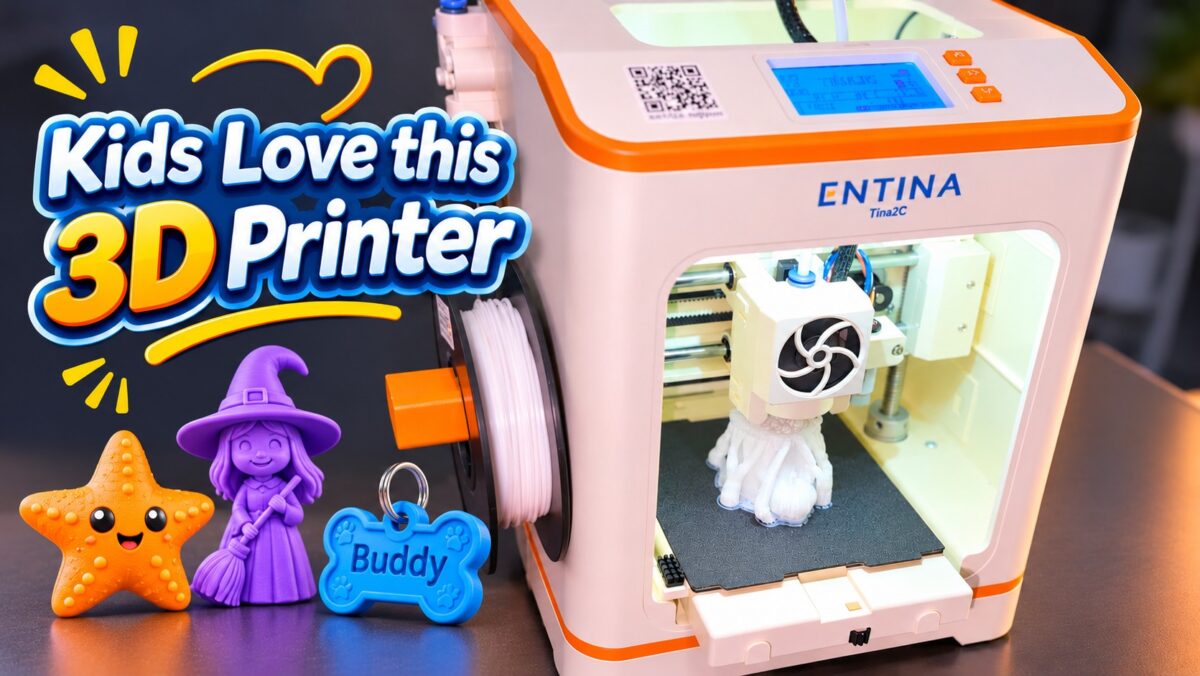
The best 3D printer for kids that I would start with in 2026 is the Entina Tina2C, a fully assembled mini machine I bought with my own money and used to print a dog tag for Gohan, a Halloween witch, and a marine-life starfish my wife put next to her collection. It sells for about $190 on Amazon and has a 4.8-star rating from 8 ratings.
This post contains Amazon affiliate links. If you buy through them, I may earn a commission at no extra cost to you.
Why the Entina Tina2C is my best 3D printer for kids pick
I recorded a YouTube walkthrough after setting the Tina2C up at home, with one question in mind: can a mini 3D printer made for beginners print things you would actually keep? In the video I say it is perfect for kids, then show that the same machine also made a gift my wife kept.
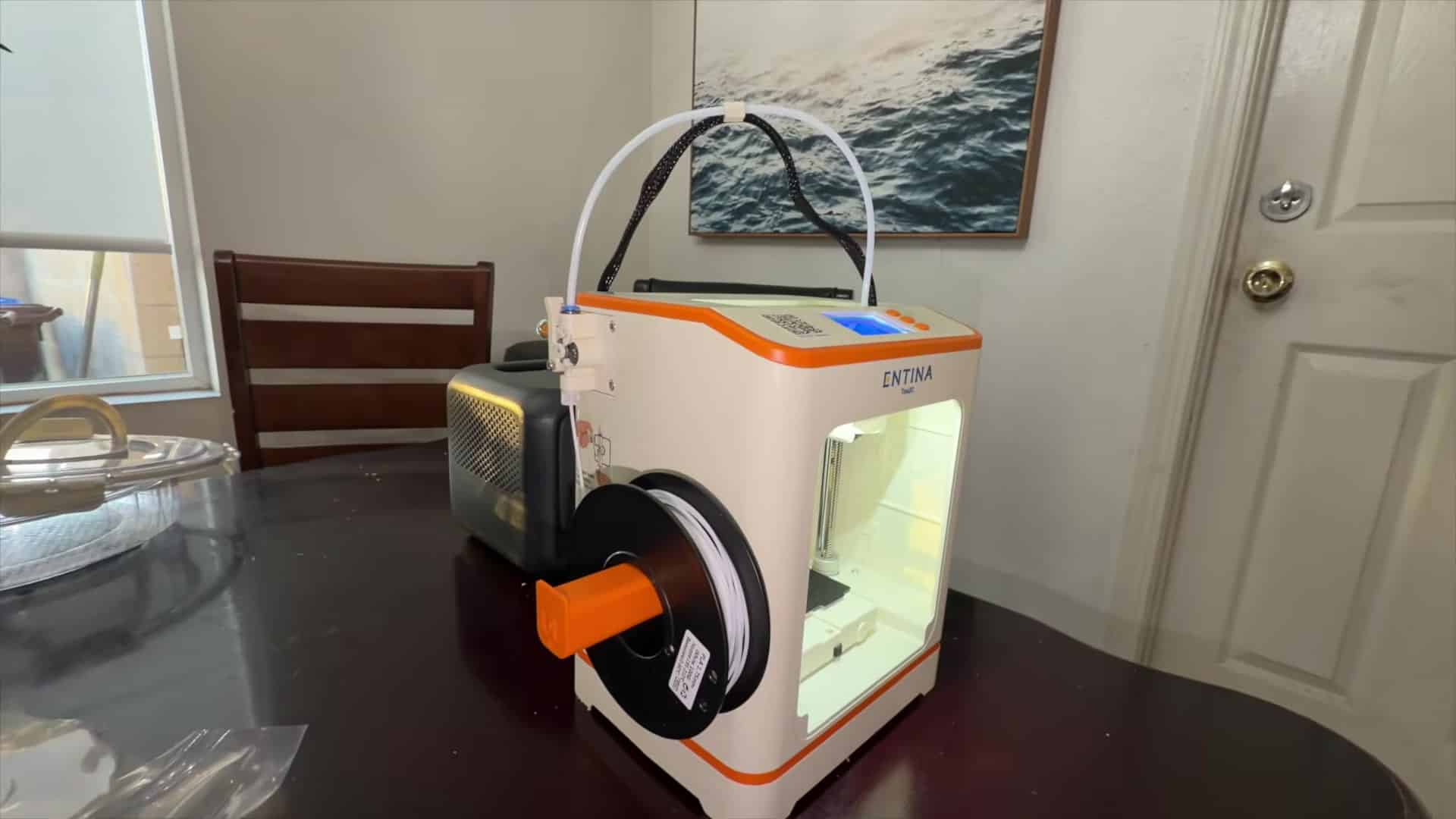
Screenshots in this post are from my YouTube video.
The printer arrived fully assembled. I plugged it in, connected it to the Poloprint app over Wi-Fi, and let it level the bed automatically. There was no tinkering, and I was printing in just a few minutes. I ran the Tina2C off my Bluetti power station for the whole session, which matches Entina’s 60 W power rating on its manual and shows how little power a desk-size kids printer needs.
According to Entina’s Amazon listing, the Poloprint Cloud app includes 3,500+ ready-to-print models plus AI tools that turn a photo or a few words into a 3D model. In the walkthrough I pick models from that library, tap print, and note that the machine stays fairly quiet while it runs. Entina also advertises power-loss resume, so a mid-print outage does not wipe the job.
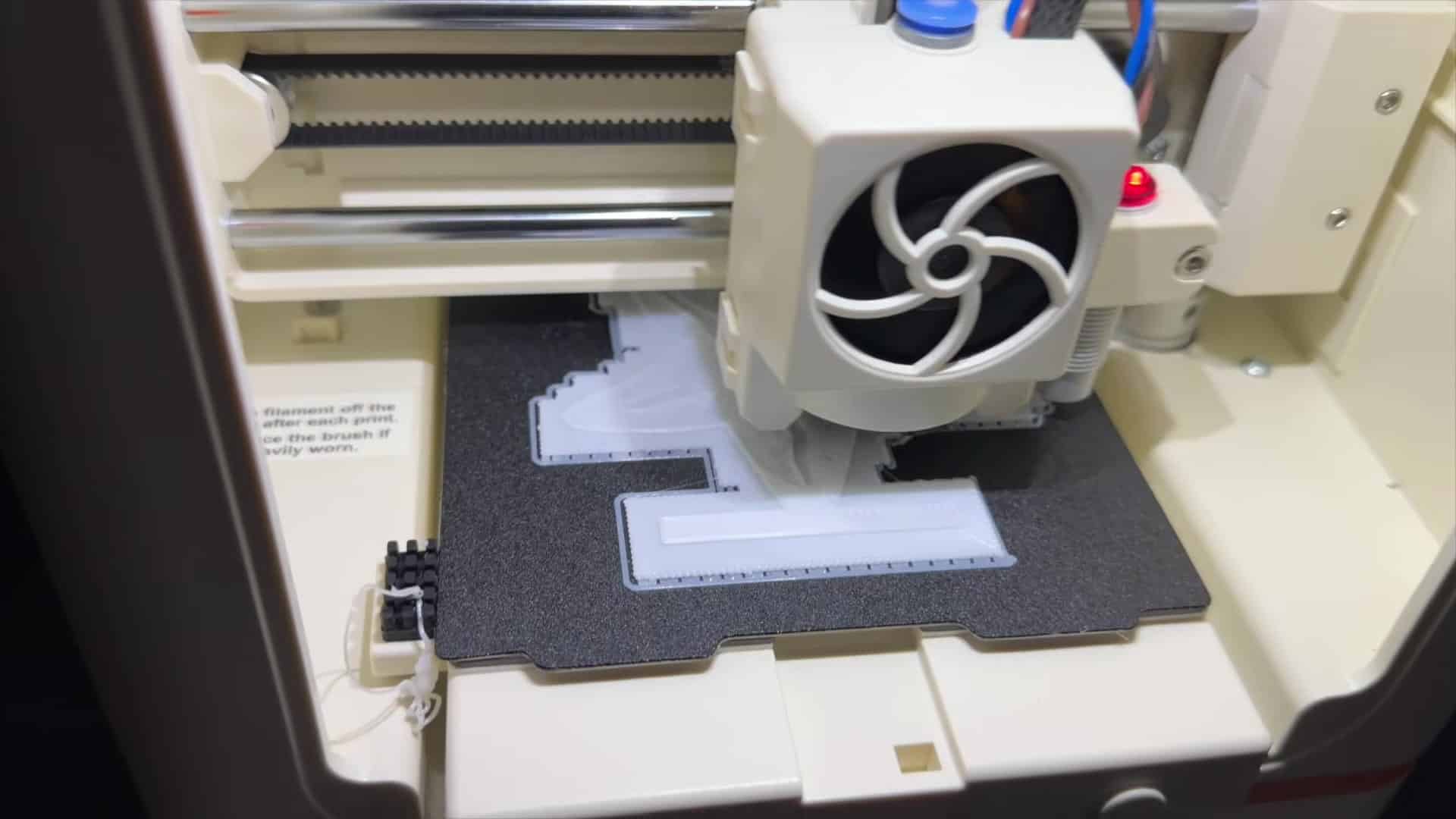
First prints: Gohan’s dog tag, a Halloween witch, and a starfish for my wife
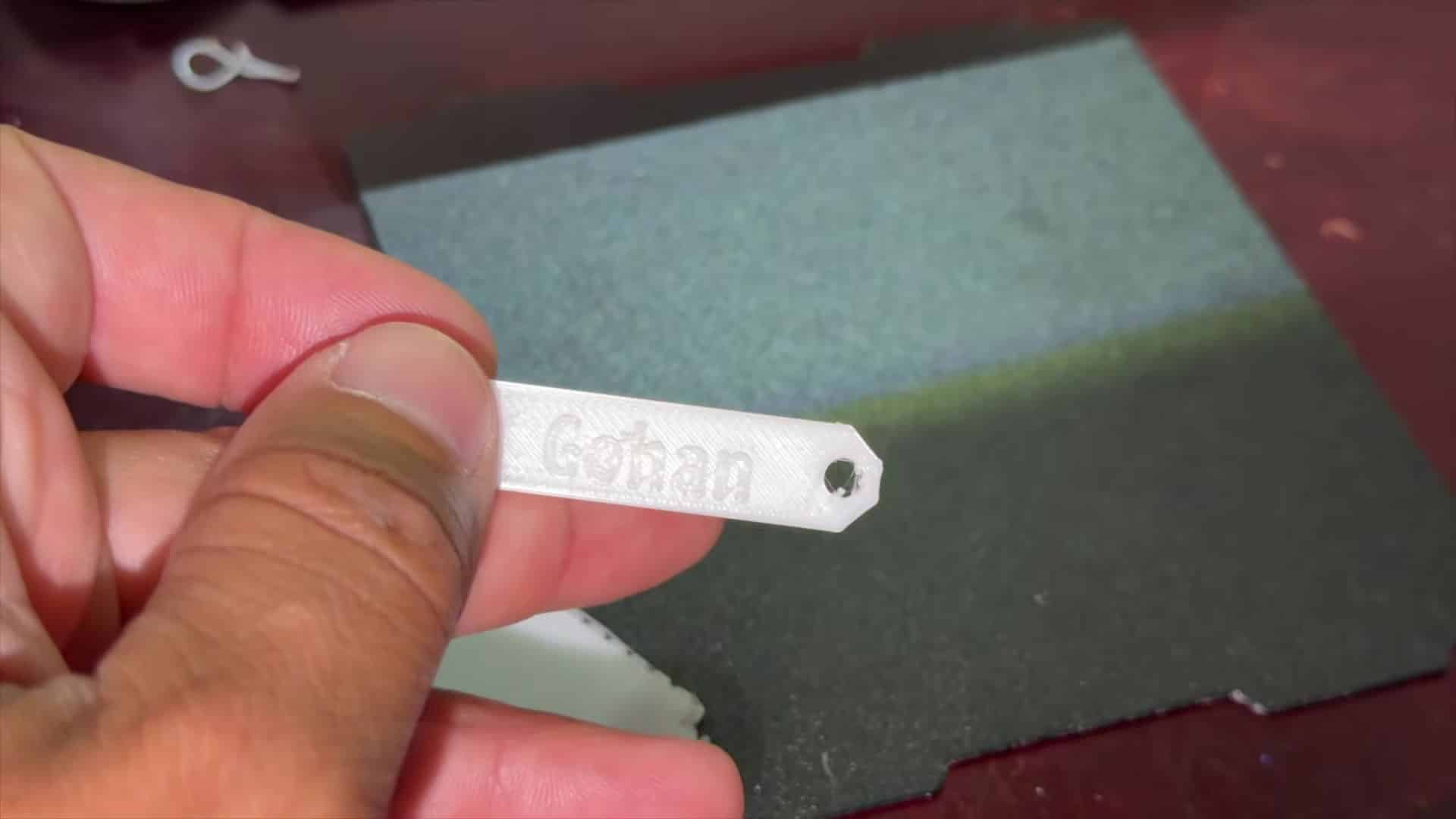
My first print was a name tag for my dog, Gohan. I put his name on the model, and the lettering came out clean and easy to read. The flexible magnetic bed bends so the print pops off without scrapers, which is the feature Entina and Amazon both highlight for beginners.
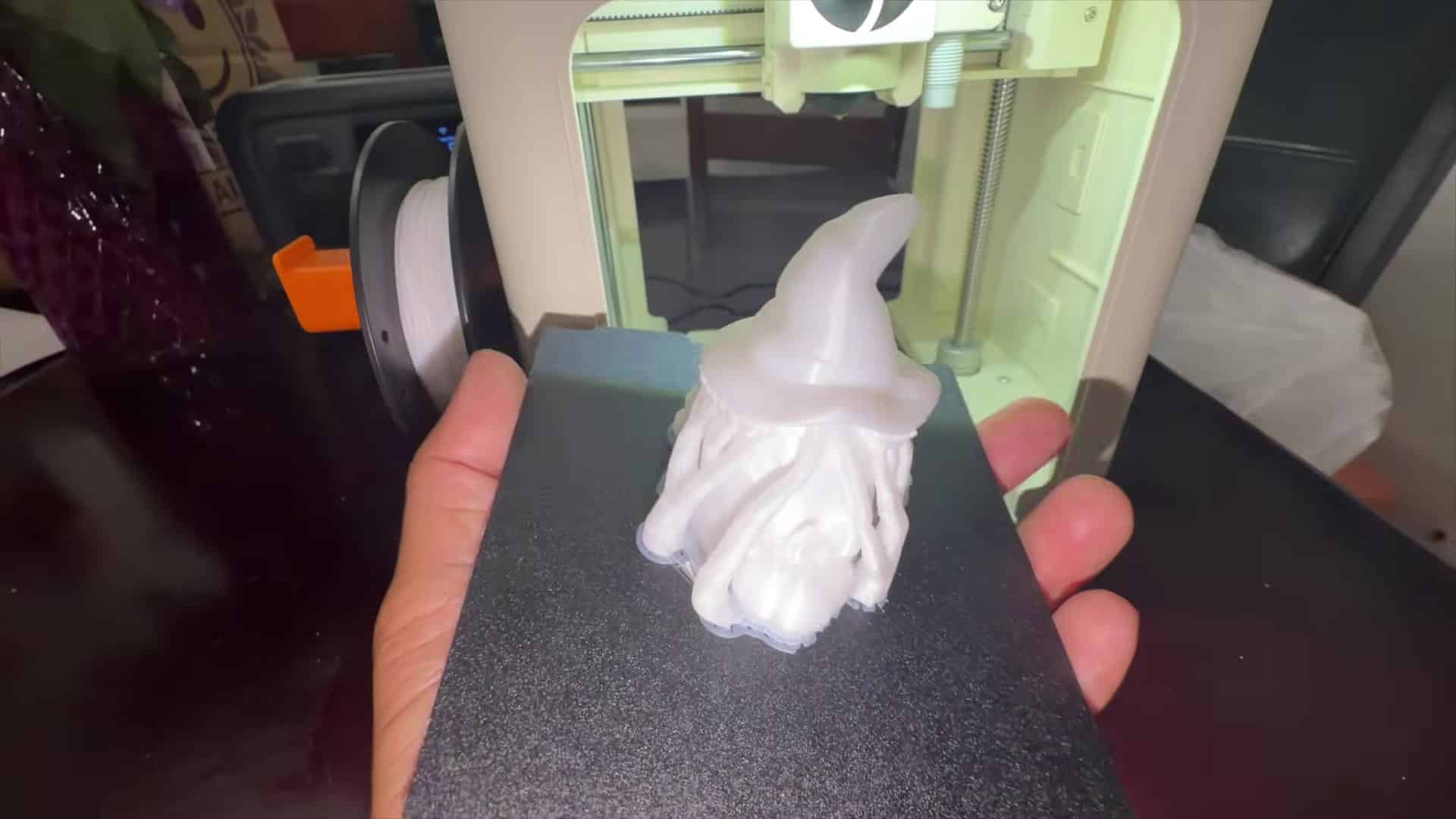
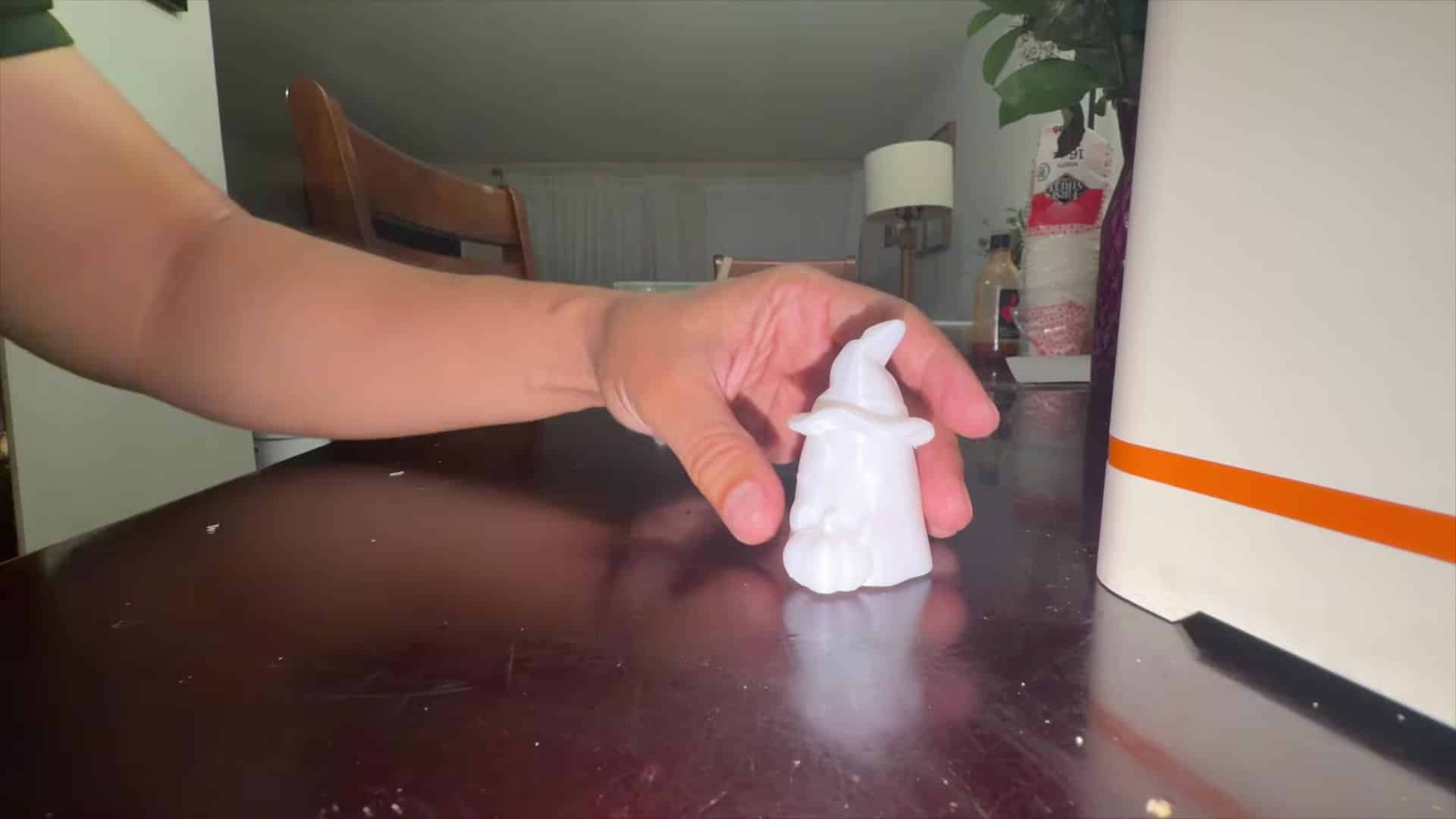
Next I printed a small Halloween witch from the app library. In the video I say the detail on something that small surprised me, and it is a fun one to watch print with kids nearby. That kind of seasonal figurine is exactly what a budget 3D printer for kids should handle on a roughly 3.9-inch cube bed.
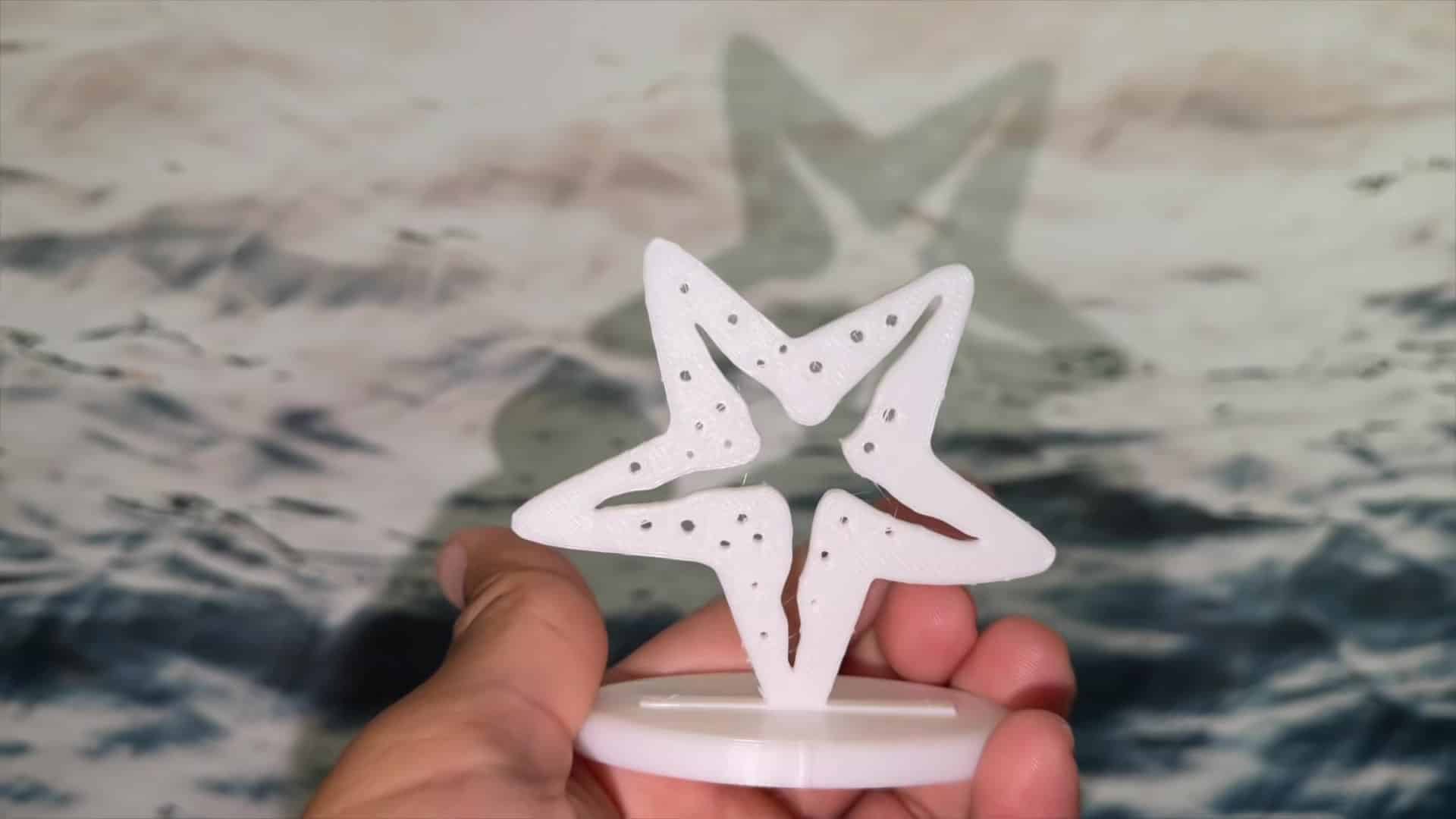
The print I care about most is a marine-life starfish on its own stand for my wife. She loves marine statues, and she placed the starfish next to her collection. That is the moment that sold me on this machine as a gift maker, not only a STEM toy: a personal object someone actually displays.
If you are shopping the best 3D printer for kids on a budget in 2026 and want something that arrives assembled, talks to a phone app, and can turn out small keepsakes the same day, the Tina2C is the hands-on pick I would start with. Full specs and safety notes live in my separate Entina Tina2C review.
Best 3D printer for kids: size and safety comparison
Prices from Amazon at time of writing. I may earn a commission from links, at no cost to you.
| Spec | Entina Tina2C | Bambu Lab A1 mini | Bambu Lab P1S Combo | Flashforge Adventurer 5M |
|---|---|---|---|---|
| Price | About $190 | About $249 (with LED Lamp Kit) | About $549 (with AMS) | About $249 |
| Frame | Open, compact with rounded edges | Open | Fully enclosed (plastic and glass) | Open; DIY enclosure sold separately |
| Max nozzle temperature | Not listed | 300 °C | 300 °C | Not listed on the product page cited below |
| Max bed temperature | Not listed | 80 °C | 100 °C | Not listed on the product page cited below |
| Build volume | About 100 × 100 × 100 mm (3.9 in) | 180 × 180 × 180 mm | 256 × 256 × 256 mm | 220 × 220 × 220 mm |
| Phone app | Poloprint Cloud | Bambu Handy + MakerWorld | Bambu Handy + MakerWorld | FlashMaker |
| Buy | Check price | Check price | Check price | Check price |
Entina specs and price from its Amazon listing. Bambu Lab specs from the A1 mini tech-specs page and P1 series page; Flashforge build volume and app from the Adventurer 5M product page. Temperatures are the maximums each maker lists when published; PLA prints well below them.
Other kid-friendly printers if you need a bigger bed or an enclosure
The Tina2C’s roughly 3.9-inch cube suits keychains, figures, and small STEM parts. Families that want a larger open bed, a full enclosure, or a different brand can look at these alternatives. Specs and prices below come from the manufacturers’ pages and Amazon listings cited in Sources; I have not run multi-week tests on these three machines.
Bambu Lab A1 mini
The A1 mini is a small open-frame printer at 5.5 kg with a 180 × 180 × 180 mm bed that tops out at 80 °C, per Bambu Lab. It calibrates itself, and models can be sent from a phone through Bambu Handy and MakerWorld. It sells for about $249 as a bundle with an LED Lamp Kit. See the Bambu Lab A1 mini on Amazon.
Open frame; adult rules for the hot bed and nozzle still apply. Bambu Lab lists a low-rate camera with time-lapse support and PLA, PETG, TPU, and PVA as ideal materials.
Bambu Lab P1S Combo
The P1S closes the print area behind plastic and glass panels and adds an activated carbon filter, per Bambu Lab. The Combo adds the AMS for four-color printing. Build volume is 256 × 256 × 256 mm, and Bambu Lab lists setup at about 15 minutes. The Combo sells for about $549. See the Bambu Lab P1S Combo on Amazon.
Flashforge Adventurer 5M
The Adventurer 5M ships mostly pre-assembled, auto-levels with one click, and offers a 220 × 220 × 220 mm build volume with the FlashMaker app, per Flashforge. A DIY enclosure is sold separately. It sells for about $249. See the Flashforge Adventurer 5M on Amazon.
Kid-friendly setup rules I follow with the Tina2C
The Tina2C is an open-frame printer, so the same hands-out rule that applies to any hot nozzle applies here. In my walkthrough I keep the machine on a sturdy table, run PLA, and stay nearby while it prints. Entina’s listing pitches the model for beginners and kids, but every family should follow the manual’s age and safety guidance.
- Hands out while printing. Pause the job before touching the bed, nozzle, or moving head.
- Treat it like a kitchen appliance. Hot parts and moving mechanisms need adult rules, the same way a kettle or oven does.
- Start with PLA. It is the basic filament most beginner kits ship with, including the 100 g of PLA that comes with the Tina2C per Entina’s listing.
- Give it a sturdy desk. Not the floor, not under a bed, and not buried under toys. I ran mine on a dining table next to a Bluetti.
- Skip resin for kids. Resin printers bring messy chemistry that belongs with adults only; this post covers FDM machines only.
What the app and small bed mean day to day
Because the Poloprint Cloud library already has thousands of models, kids and parents can pick a figure, tap print, and watch without learning desktop slicer software first. That matches what I show in the video. The tradeoff is size: a 100 mm-class bed is great for tags, witches, and starfish on stands, and the wrong tool for large helmets. When projects outgrow the Tina2C, the A1 mini or P1S Combo above are the next step. Prints still take time, and that wait is part of the STEM lesson; Entina’s power-loss resume helps if the house blips mid-print.
How this pick was chosen
The Tina2C recommendation is based on my own purchase and the Nov 2, 2026 YouTube walkthrough embedded above. Specs for the Tina2C come from Entina’s Amazon listing. Specs for the A1 mini, P1S Combo, and Adventurer 5M come from Bambu Lab and Flashforge product pages, with prices from Amazon at time of writing. I have not lab-tested those three alternatives side by side.
One more parent perspective on enclosed machines
If you want a second opinion focused on enclosures rather than mini open-frame printers, Shop Nation, a YouTube channel that runs a print farm of about 60 machines, calls the P1S enclosure a setup that “stays clean and safe around little fingers” in its 2026 beginner-buying video. That quote is about the P1S Combo above, not the Tina2C. Use it only if an enclosed body is your main filter.
Frequently Asked Questions
What is the best 3D printer for kids in this post?
My hands-on pick is the Entina Tina2C at about $190 on Amazon. It arrives assembled, runs from the Poloprint app, and printed a dog tag, a Halloween witch, and a starfish gift in my video.
Is the Tina2C good for beginners and kids?
Entina markets it for beginners and kids, with auto leveling, Wi-Fi app control, and 3,500+ models. I found setup fast enough to print within minutes. An adult should still set hands-out rules because the frame is open.
Is an enclosed printer safer for kids?
An enclosure puts a barrier between hands and the hot nozzle and moving parts. Of the alternatives here, the Bambu Lab P1S Combo is fully enclosed. The Tina2C and A1 mini are open-frame.
Should kids use a resin printer?
No. This guide covers FDM printers only. Resin machines involve chemicals and cleanup that should stay with adults.
What is the cheapest kid-friendly printer here?
The Entina Tina2C sells for about $190 on Amazon. Its roughly 3.9-inch print volume limits it to small objects.
Sources
- Amazon listing: Entina Tina2C
- Amazon listing: Bambu Lab A1 mini
- Amazon listing: Bambu Lab P1S Combo
- Amazon listing: Flashforge Adventurer 5M
- Bambu Lab A1 mini tech specs
- Bambu Lab P1 series page
- Flashforge Adventurer 5M product page
- YouTube: Home Smart by AE Mind, Entina Tina2C walkthrough
- YouTube: Shop Nation, “The 3D Printer I’d Buy if I Started Today (2026)”
Related: Entina Tina2C Review | Best 3D Printer for Beginners | Things to 3D Print for Kids | 3D Printing in the Classroom
Notes and disclosure
Note: Prices come from Amazon listings at time of writing for the A1 mini, P1S Combo, Adventurer 5M, and Entina Tina2C. The hands-on Tina2C section, screenshots, and embedded video come from my YouTube video; I bought the printer with my own money. Specs come from the manufacturers’ pages and Amazon listing linked above. Prices change often, so check the current listing.