
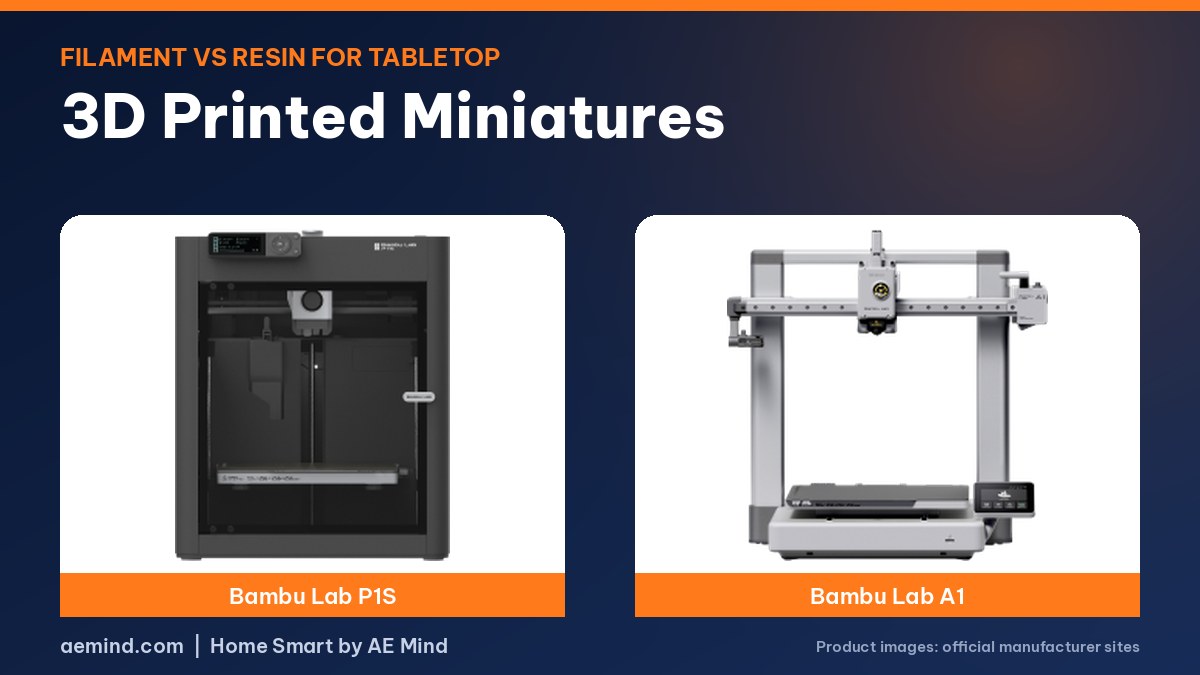
3D printed miniatures no longer require a resin printer. Filament (FDM) printers have improved enough for tabletop minis, according to Black Magic Craft and LikeAHero, YouTube tabletop channels that both posted about it in 2026 (Black Magic Craft, “Finally! Good FDM Miniatures.”; LikeAHero, “How FDM has Replaced Everything Else for Tabletop”). Resin still wins on fine detail, but filament is cleaner, safer and easier to run at home.
Most gamers print terrain in PLA because it needs no washing or curing and is ready to prime, while resin has been the go-to for miniatures, according to Tabletop Minions, a YouTube wargaming channel that painted the same robot model printed both ways (Tabletop Minions, “I Compare RESIN vs. FILAMENT for 3D Printing Wargaming Minis”). His filament version used about a dollar of plastic.
What to 3D Print for Tabletop Gaming
- Miniatures for D&D and wargames
- Terrain: buildings, walls, ruins and trees
- Dice towers and dice trays
- Storage cases and organizers for minis
- Card holders and token trays
Filament vs Resin for Miniatures
Prices from Amazon at time of writing. I may earn a commission from links, at no cost to you.
| Filament (FDM) | Resin | |
|---|---|---|
| Detail | Good, improving | Finest |
| Cleanup | Remove supports, ready to prime | Wash and cure; handle resin with gloves |
| Durability | Sturdy, hard to break | More delicate |
| Print time | Each extra mini adds time | A full plate takes the same time as one mini |
| Best for | Terrain, large models, accessories | Small detailed minis |
| Mess and fumes | Low (PLA) | Higher; needs ventilation |
Tabletop Minions explains the split: resin printers cure incredibly thin layers with UV light, so detail can match or beat many plastic kits, but resin is a sticky, toxic liquid with fumes, and prints must be washed and cured (Tabletop Minions, “I Compare RESIN vs. FILAMENT for 3D Printing Wargaming Minis”). Filament prints are sturdier, which suits terrain that gets handled roughly. Black Magic Craft adds a time trade-off: a resin plate takes the same time for one mini or 20, while FDM time grows with each model (Black Magic Craft, “Finally! Good FDM Miniatures.”).
Resin vs Filament: Tabletop Minions’ Side-by-Side Test
Tabletop Minions bought a 28 mm-scale robot file (about four inches tall) on MyMiniFactory and printed it both ways (Tabletop Minions, “I Compare RESIN vs. FILAMENT for 3D Printing Wargaming Minis”). A friend printed the pre-supported resin version; he printed the unsupported file on a Bambu Lab A1 with a 0.2 mm nozzle, tree supports and settings tweaks from Fat Dragon Games.
- Building the model virtually in the slicer took nearly as long as assembling the resin version.
- Removing tree supports took a while with needle-nose pliers, and undersides were messy and “hairy.” He called the model a bit of a torture test for filament.
- Dry brushing and edge highlights worked on both, but edges were sharper on resin, and dry brushing popped some filament layer lines.
- Sponge weathering and Army Painter Speedpaint looked no different between the two.
- Up close the filament print is obviously lower detail; at the two to three feet of a game table, he says it looks pretty good.
His conclusion: you won’t fool anyone within a foot or so, “but on the tabletop in a game it doesn’t look half bad and it’s perfectly usable for gaming.” He also found Army Painter’s rust texture paint, stippled on, helped hide layer lines on a reprinted part (Tabletop Minions, “I Compare RESIN vs. FILAMENT for 3D Printing Wargaming Minis”).
FDM-Optimized Miniature Files
Black Magic Craft tried FDM-ready miniatures from Loot Studios, which approached the channel about them (Black Magic Craft, “Finally! Good FDM Miniatures.”). Loot re-sculpts existing models for filament and ships them as 3MF files with supports and print settings already set: drag, drop, slice, print. On Loot’s recommendation he swapped his Bambu Lab’s 0.4 mm nozzle for a 0.2 mm one. He says the results surprised him, though supports need careful removal with hobby clippers so you don’t peel off a leg, and layer lines are visible.
“These definitely aren’t a replacement for resin printing,” he said, but for tabletop role-playing they are “more than detailed and nice enough.” The FDM files come with existing Loot subscriptions rather than a separate plan (Black Magic Craft, “Finally! Good FDM Miniatures.”).
LikeAHero’s FDM Miniature Workflow
LikeAHero walked through his full pipeline printing a Daka Daka Studios model on a Creality K1 SE (LikeAHero, “How FDM has Replaced Everything Else for Tabletop”):
- Avoid old pre-supported resin files. Their thin contact points leave heavy scarring on FDM and add print time.
- Orient first to avoid large flat top surfaces, which show the most stepping; avoid fully vertical or fully horizontal prints. He cut off an awkward claw to orient it separately.
- Support in Lychee Slicer (paid version) with a custom resin-style preset that does about 90% of the work in about a minute.
- Split supports in Blender with the free Resin FDM add-on by Printed for Combat; he uses a 0.24 mm support tip and 1.4 mm support diameter.
- Print supports and model at different layer heights in Orca Slicer: 0.18 mm for supports and 0.06 mm for the model. He says that cuts print time roughly in half; his mini took about 5 hours 17 minutes.
- Clean up lightly. Supports peel away by hand or with clippers, and a quick pass with a lighter removes stringing. Too much heat leaves a shine that matte primer covers.
Video: Tabletop Minions, “I Compare RESIN vs. FILAMENT for 3D Printing Wargaming Minis”. Embedded with credit.
Tips for Printing Minis on a Filament Printer
- Use a 0.2 mm nozzle; Tabletop Minions notes 0.1 mm nozzles exist but reportedly clog often.
- Print slowly with fine layer heights, or vary layer height between model and supports.
- Look for models designed or re-sculpted for FDM; resin pre-supported files need rework.
- Remove supports carefully with clippers or needle-nose pliers.
- Prime matte and paint to hide layer lines; texture paints help too.
Best Printers for Tabletop Prints
| Printer | Price (Amazon, Oct 16, 2026) | Why it fits | Link |
|---|---|---|---|
| Bambu Lab P1S Combo | $549.00 | Fast and reliable for big terrain batches | Check price |
| Bambu Lab A1 | $299.99 | Used by Tabletop Minions; good value for terrain and dice towers | Check price |
| Elegoo Centauri 2 Combo | $328.99 | Enclosed with 4-color printing for terrain accents | Check price |
3D Printed Miniatures: Frequently Asked Questions
Can a filament printer print miniatures?
Yes. Creators say FDM minis have improved a lot, especially with 0.2 mm nozzles and FDM-designed models.
Is resin better for minis?
Resin still gives the finest detail, but it is messier and needs washing, curing and ventilation.
What nozzle size is best for FDM miniatures?
0.2 mm is the common choice; Black Magic Craft and Tabletop Minions both used one.
What is easiest to start with?
Terrain and dice towers are easy wins on any filament printer.
Where do I find miniature files?
Designers sell files on their stores, MyMiniFactory and Patreon, and some now offer FDM-ready versions. Free models are on Printables and MakerWorld.
Sources
- Tabletop Minions, “I Compare RESIN vs. FILAMENT for 3D Printing Wargaming Minis”
- Black Magic Craft, “Finally! Good FDM Miniatures.”
- LikeAHero, “How FDM has Replaced Everything Else for Tabletop”
- Amazon product listings for the printers linked above, October 16, 2026
Related: Bambu Lab P1S vs P2S | Bambu Lab A1 Review | Best Budget Multicolor 3D Printer
Notes and disclosure
Note: Printer prices come from Amazon listings on October 16, 2026 and change often. Comparisons and workflows come from the credited YouTube creators; Loot Studios provided files to Black Magic Craft. I have not printed these miniatures myself.