
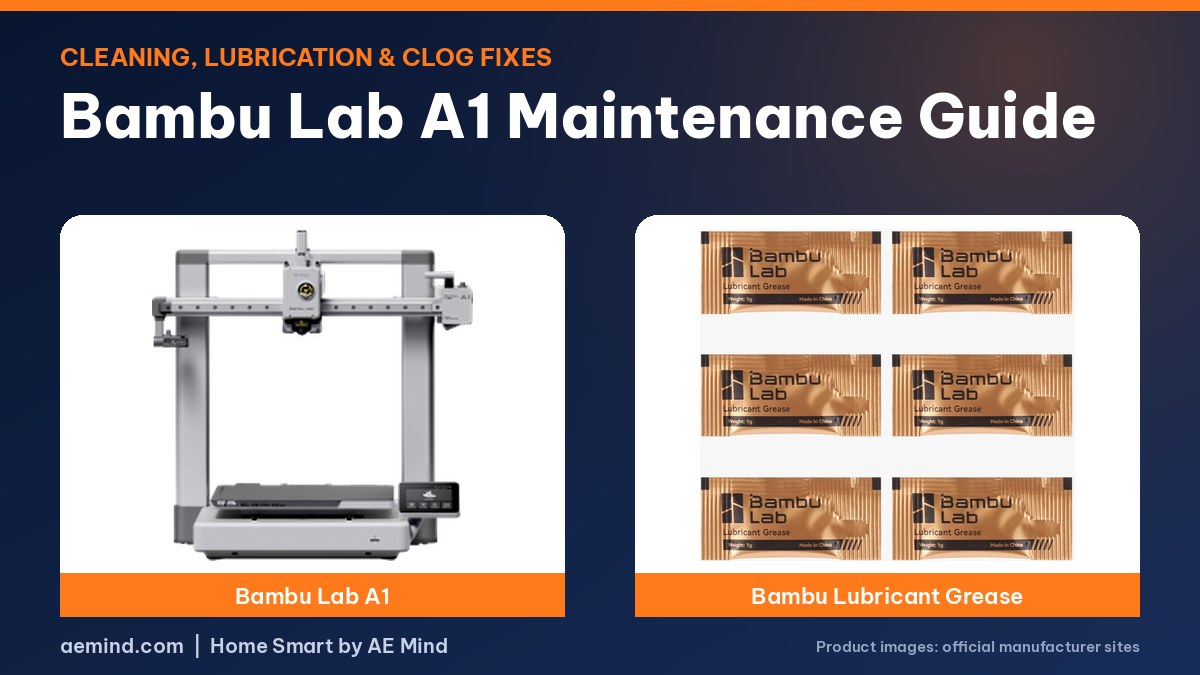
Bambu Lab A1 maintenance takes only a few minutes: clean the tool head and hotend, vacuum and lubricate the X-axis arm, and check the screws behind the extruder if first layers drift. With that routine, one A1 passed 5,000 hours and was still going strong, according to Planet 3DP, a YouTube channel that publishes Bambu Lab maintenance guides.
For newcomers, a nozzle swap is probably the only regular job, and on the A1 it needs no tools, according to Hoocho, a YouTube channel that has run the A1 and P1S for thousands of hours. When a clog does happen, it is usually in the PTFE tubes and AMS lite hub, the hotend, or near the filament sensor.
Bambu Lab A1 Maintenance Checklist
- Tool head and hotend: clear debris from the tool head, take off the silicone nozzle sock, and wipe the hotend assembly with a microfiber cloth lightly dampened with IPA. Replace the sock if it looks crusty after many hours, and make sure it sits level with the nozzle poking out the bottom (Planet 3DP, “Bambu Lab A1 Maintenance Guide – Keep It Running Like New!”).
- X-axis arm: vacuum it (small bits of belt wear off over time), finish with canned air, wipe it down, then apply a small amount of lubricant along the top and slide the tool head back and forth to spread it. Wipe away any excess (Planet 3DP, “Bambu Lab A1 Maintenance Guide – Keep It Running Like New!”).
- Nozzle swaps: for newcomers, changing nozzles is probably the only regular maintenance on these machines, and on the A1 it’s a quick, tool-free swap (Hoocho, “A1 vs P1S: Beginner 3D Printers… That Work.”).
- First-layer drift: if first layers get worse over time, check and re-tighten the screws behind the extruder (Hoocho, “A1 vs P1S: Beginner 3D Printers… That Work.”).
The Planet 3DP creator says their A1 has over 5,000 hours and is still going strong with this routine (Planet 3DP, “Bambu Lab A1 Maintenance Guide – Keep It Running Like New!”).
How to Fix a Bambu Lab A1 Clog
Clogs on the A1 usually happen in a few places: the PTFE tubes and AMS lite hub, the hotend, and the area near the filament sensor. Check each in turn. Release the PTFE tubes from the hub by pressing down the black ring and pulling the tube up, then move on to the hotend if the tubes are clear (Planet 3DP, “Top 3 Fixes for Bambu Lab A1 Filament Clogs (Fast & Easy)”).
What About Enclosed Bambu Printers?
I may earn a commission from links, at no cost to you.
For CoreXY models like the P1S, one maintenance routine includes vacuuming the interior, lubricating the idler pulleys only when they start to squeak (keep lubricant off the belt), wiping the carbon rods monthly with IPA on a cloth, not sprayed directly, and checking the Z-axis lead screw grease about every 3 months (Planet 3DP, “How To Maintain Your Bambu Lab Printer! Essential Print Quality Routine”). This applies if you own or upgrade to a Bambu Lab P1S Combo.
Frequently Asked Questions
How often should I maintain a Bambu Lab A1?
Do quick cleanings regularly, and do a fuller clean and lubrication when you notice debris, squeaks or a drop in print quality. Follow Bambu Lab’s official wiki for exact intervals.
What should I clean the A1 hotend with?
Creators use a microfiber cloth lightly dampened with isopropyl alcohol, after removing the silicone nozzle sock.
Where does the A1 usually clog?
Usually in the PTFE tubes or AMS lite hub, the hotend, or near the filament sensor.
Sources
- Planet 3DP, “Bambu Lab A1 Maintenance Guide – Keep It Running Like New!”
- Planet 3DP, “Top 3 Fixes for Bambu Lab A1 Filament Clogs (Fast & Easy)”
- Planet 3DP, “How To Maintain Your Bambu Lab Printer! Essential Print Quality Routine”
- Hoocho, “A1 vs P1S: Beginner 3D Printers… That Work.”
Related: Bambu Lab A1 Review | Best 3D Printer for Beginners | Best Budget Multicolor 3D Printer
Notes and disclosure
Note: The tips below are summarized from the linked YouTube creators and Bambu Lab’s own video. Watch them for the full steps, and follow your printer maker’s official guide when in doubt. My own hands-on notes will be added after my planned test.
Affiliate Disclosure: If you purchase an item through the links on this page, I may receive a commission, at no additional cost to you. Thank you for supporting the channel.