
The best MakerWorld prints are not always the most downloaded ones, according to Joe Cirillo, a YouTube creator whose test of MakerWorld’s most popular home models has passed 3.6 million views (Joe Cirillo, “Testing the Most Popular Home 3D Prints”). He gave top marks to a Scrub Daddy sponge holder and an iPhone StandBy dock, but rated a mechanical tablet arm a three out of 10 after a frustrating assembly.
Cirillo printed nine of the most-downloaded home models on MakerWorld, Bambu Lab’s model-sharing site, totaling about 82 hours of print time. “Download count shouldn’t really be your metric for determining what to print,” he concluded. Here are his results, how to judge a model before you print it, and the categories worth browsing.
Most Popular MakerWorld Home Prints, Tested
Prices from Amazon at time of writing. I may earn a commission from links, at no cost to you.
| Model | Print time | Filament | Downloads | Cirillo’s score |
|---|---|---|---|---|
| Mini bag clip (most downloaded home print) | 14 min | 4 g | 100,000+ | 7/10 |
| Scrub Daddy holder V2 with drainage | 2.6 hr | 59 g | 84,700 | 10/10 |
| Hydro Bowl fruit and veggie washer | 15.4 hr | 468 g | 69,600 | 5/10 |
| Auto-locking gravity towel hook | 1 hr | 22 g | 67,400 | 7/10 |
| Ratcheted toothpaste tube squeezer | 1.4 hr | 22 g | 64,300 | 9/10 |
| iPhone StandBy dock | 5.6 hr | 229 g | 63,300 | 10/10 |
| Car garage key holder with opening doors | 4.2 hr | 128 g | 32,800 | 9/10 |
| Mechanical arm tablet/phone stand | 14 hr | 375 g | 22,000 | 3/10 |
| Portable suitcase chair | 35 hr | 1.3 kg | 9,600 | 9/10 |
Download counts and scores are as reported in the video and will have changed since.
The Standouts
Scrub Daddy holder and iPhone StandBy dock: 10/10
The sponge holder printed in 2.6 hours from 59 g of filament and drains water as advertised; Cirillo called it “100% worth the hype” (Joe Cirillo, “Testing the Most Popular Home 3D Prints”). The StandBy dock, designed by Scott Yuon and Overwork, holds a MagSafe puck and an optional Apple Watch charger for AirPods, with an ejector handle to pop the phone out. He printed a remix sized for an iPhone 17 Pro with a case and needed double-sided tape to keep the puck from pulling out, which he blamed on the upscaled remix rather than the original. His only knock was needing two separate cables.
Key holder, toothpaste squeezer and suitcase chair: 9/10
The car-garage key holder took just 4.2 hours and Cirillo found its opening doors “super satisfying” (Joe Cirillo, “Testing the Most Popular Home 3D Prints”). The ratcheting toothpaste squeezer was slightly confusing to assemble but reduced waste. The suitcase chair stores its own legs inside, was rated by its designer for 206 lb, and held Cirillo (about 168 lb) without trouble; it is short but a fine height, and quick to break down.
The Ones He Wouldn’t Reprint
The mechanical tablet arm took 14 hours and 375 g, and Cirillo called assembly the worst part: screws went in roughly in about half the holes and the knobs never felt tight (Joe Cirillo, “Testing the Most Popular Home 3D Prints”). It swivels in most directions but only holds phones vertically. He scored it three out of 10 while praising the design idea.
The Hydro Bowl washer worked better than expected, spinning blueberries clean in a vortex. But at 15.4 hours and 468 g, and with his hesitation about rinsing food in an uncoated print, he gave it a five, noting a store-bought one doesn’t cost much (Joe Cirillo, “Testing the Most Popular Home 3D Prints”). The most-downloaded home print, a mini bag clip, worked perfectly, but he found spring clips at about $7 for 30 and settled on a seven.
Video: Joe Cirillo, “Testing the Most Popular Home 3D Prints”. Embedded with credit.
How to Judge a MakerWorld Model Before Printing
- Check the Boosts and comments, not just downloads.
- Look for user-uploaded photos of real prints (“makes”).
- Read the print profile: time, filament weight and supports. Cirillo’s nine prints ranged from 14 minutes to 35 hours.
- Check plate layout and whether it needs an AMS for multiple colors.
- Consider whether a cheap store-bought version does the job better, as Cirillo did with bag clips.
- For food contact, think twice about bare PLA; Cirillo wanted a food-safe coating on the washer.
- Look for remixes sized to your device, but check comments, since remixes can change how well a design works.
Best MakerWorld Prints by Category
| Category | Popular examples | Our guide |
|---|---|---|
| Home | Key holders, toothpaste squeezers, sponge and towel holders | useful home prints |
| Desk | Phone docks and stands, cable clips | cable clips |
| Toys | Articulated animals, fidgets | fidget toys |
| Organization | Gridfinity bins | Gridfinity |
| Printer upgrades | A1 accessories | A1 upgrades |
Best Printers for MakerWorld
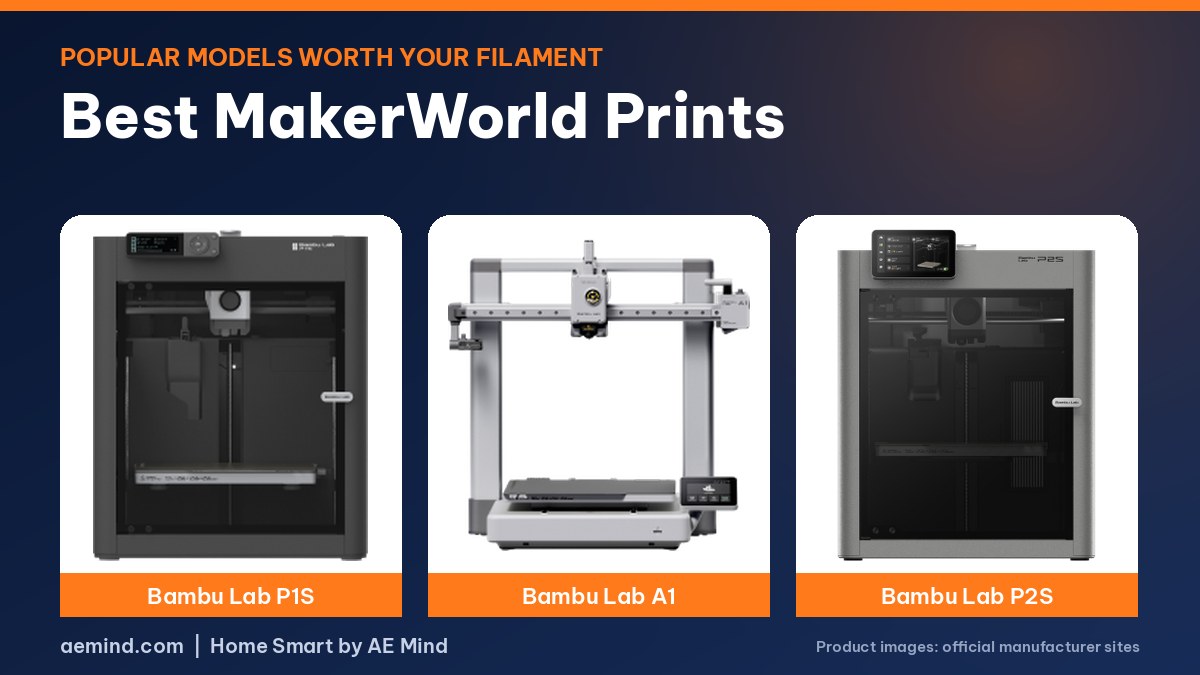
MakerWorld print profiles open straight into Bambu Studio and the Bambu Handy app, so Bambu printers are the smoothest fit.
| Printer | Price (Amazon, Oct 16, 2026) | Why it fits | Link |
|---|---|---|---|
| Bambu Lab P1S Combo | $549.00 | Enclosed all-rounder with AMS for multicolor models | Check price |
| Bambu Lab A1 | $299.99 | Best value for most home prints | Check price |
| Bambu Lab P2S Combo | $779.00 | Newer, with built-in filament drying | Check price |
Best MakerWorld Prints: Frequently Asked Questions
Is MakerWorld free?
Yes. Models are free to download; some creators offer paid or exclusive models.
Does MakerWorld work with non-Bambu printers?
You can download STL and 3MF files for any slicer.
What is the most downloaded home print on MakerWorld?
When Joe Cirillo tested them, it was a mini bag clip with over 100,000 downloads. Rankings change often.
Are popular MakerWorld prints worth it?
Some are. Cirillo rated several 9 or 10 out of 10, but others took many hours for little use.
How do I find good models?
Check user makes, comments and the print profile, and weigh print time against buying the item.
Sources
- Joe Cirillo, “Testing the Most Popular Home 3D Prints”
- MakerWorld
- Amazon product listings for the printers linked above, October 16, 2026
Related: Useful Things to 3D Print for Your Home | 3D Printed Fidget Toys | Gridfinity for Beginners | 3D Printed Cable Clips
Notes and disclosure
Note: Printer prices come from Amazon listings on October 16, 2026 and change often. Print times, downloads and scores come from Joe Cirillo’s video; I have not printed these models myself.